

Let’s Encrypt stopped sending certificate expiration emails on June 4, 2025. Your ACME client can still renew certificates. To get a warning in your inbox again, set up a recurring check against the HTTPS address your users visit. It can keep working if you switch certificate authorities later. Let’s Encrypt’s announcement
Which hostname to monitor
On client projects I looked after, customers were often the first to report an expired certificate. The calls usually concerned a mini app that could no longer load data. Its requests went to an API subdomain that hardly anyone opened in a browser. Across nearly 20 hostnames, many were test environments. I’d spend the first monitoring slot on the production API.
Take a shop with a storefront at www.example.com and a mobile app that calls api.example.com. Open the app’s configuration and copy the API hostname from there. If the storefront sits behind a CDN and the API connects to a load balancer, add both hostnames. Even if they use the same wildcard certificate today, the CDN and load balancer can pick up its replacement at different times.
Getting an email before expiry
If your uptime monitor already checks TLS certificate expiry, open its settings for the API hostname. Look for an alert threshold in days remaining. An ordinary HTTP uptime alert can stay quiet until the day the certificate expires. Pick a recipient who can replace the certificate, and use the monitor’s test notification if it has one.
If you need a monitor, LapseZero can track five HTTPS endpoints on its free plan. It also issues and deploys certificates, but the monitor works with your current certificate and needs only the public HTTPS address. You can keep your existing renewal job.
- In Certificate monitors, choose Add Monitor and enter the full HTTPS URL, such as
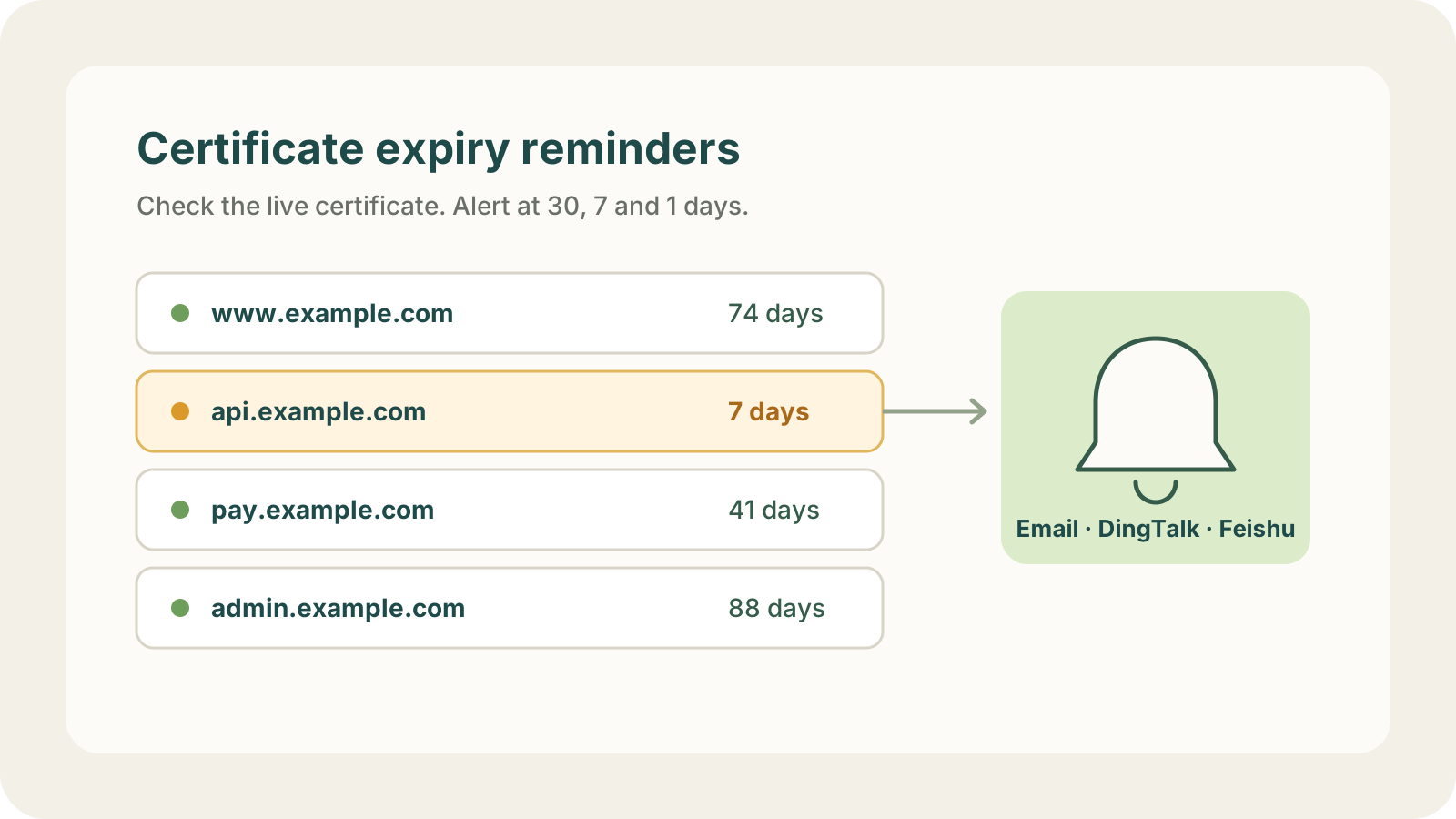
https://api.example.com. - Under Expiry Thresholds, choose when to hear about it. The defaults are 30, 7 and 1 days before expiry. Under Notification Channels, select your email channel, or add a team destination such as Slack. Save the monitor.
- Open the monitor and check Last observed certificate. Compare its expiry date with the one you expected. LapseZero repeats the check every 12 hours. You can use Run Check after changing a certificate.
When a reminder arrives just after a renewal
Suppose your ACME client reports success on Monday and the alert for api.example.com still says seven days left on Tuesday. Compare the SHA-256 fingerprint of the newly issued certificate with the one served by that hostname. The SSL certificate checker lets you inspect the public endpoint without signing in.
If the fingerprints differ, find where that hostname terminates TLS. For Nginx, check which certificate file the site loads and whether the reload succeeded. For a load balancer, check the certificate attached to the HTTPS listener. For a CDN, check the certificate bound to the public hostname. Once you update the right place, run the endpoint check again and look for the new expiry date.